Add Mold Busters to your Safe Senders list
Add Mold Busters to your Safe Senders list in Hotmail so That You Can Receive Reports!
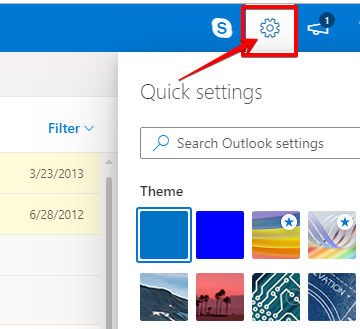
- Click the settings gear icon at the top right of Outlook.com / Hotmail.com
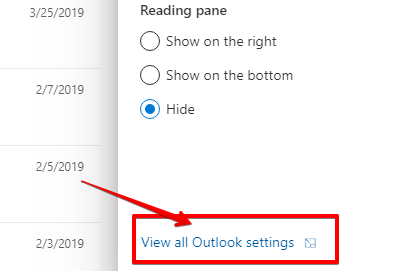
- Click View all Outlook settings at the bottom of the pop-out menu.
- Go to Mail > Junk email.
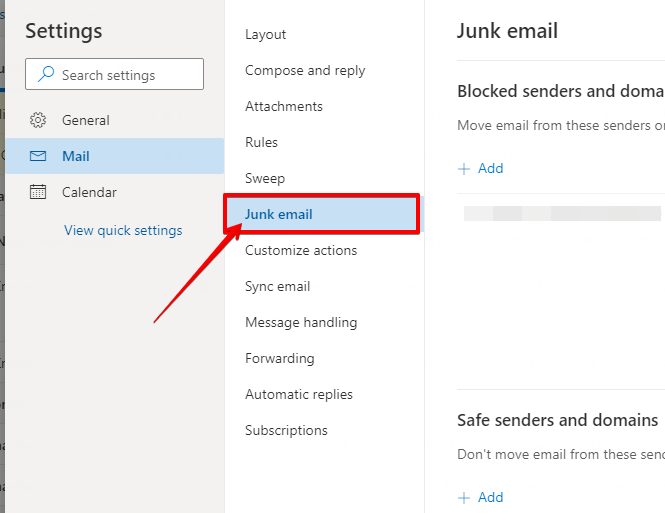
- Type: bustmold.com into the text box in the Safe senders area.
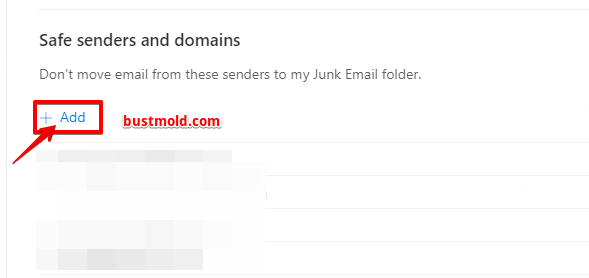
- Click Add.
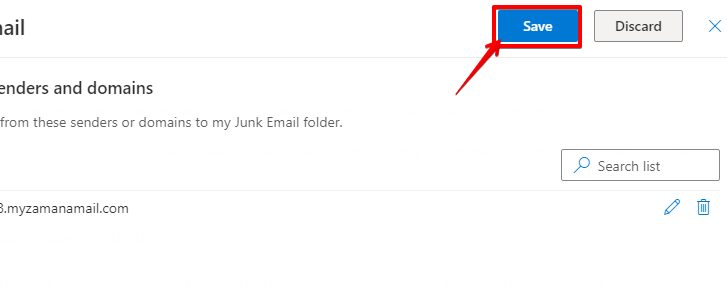
- Click Save at the top of the page.